Start with a physical question
What is the character trying to do, resist, protect, or reveal? A useful rig starts by making that question easier to stage.
Character animation + rigging studies
Qoraveluno Motion Lab is a practical notebook for building characters that can think, shift weight, and change their minds on screen. We examine the decisions inside a motion—not just its final silhouette.
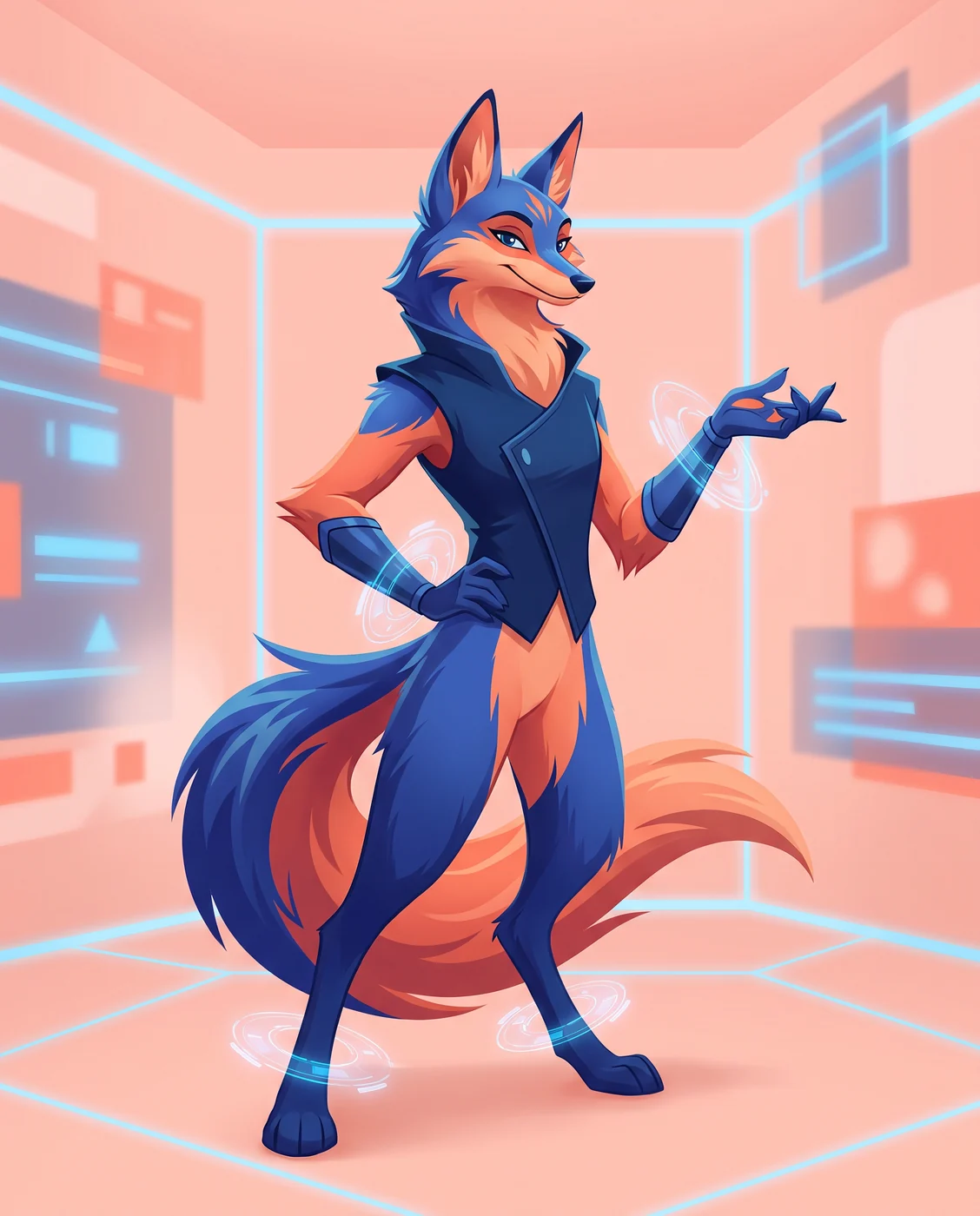

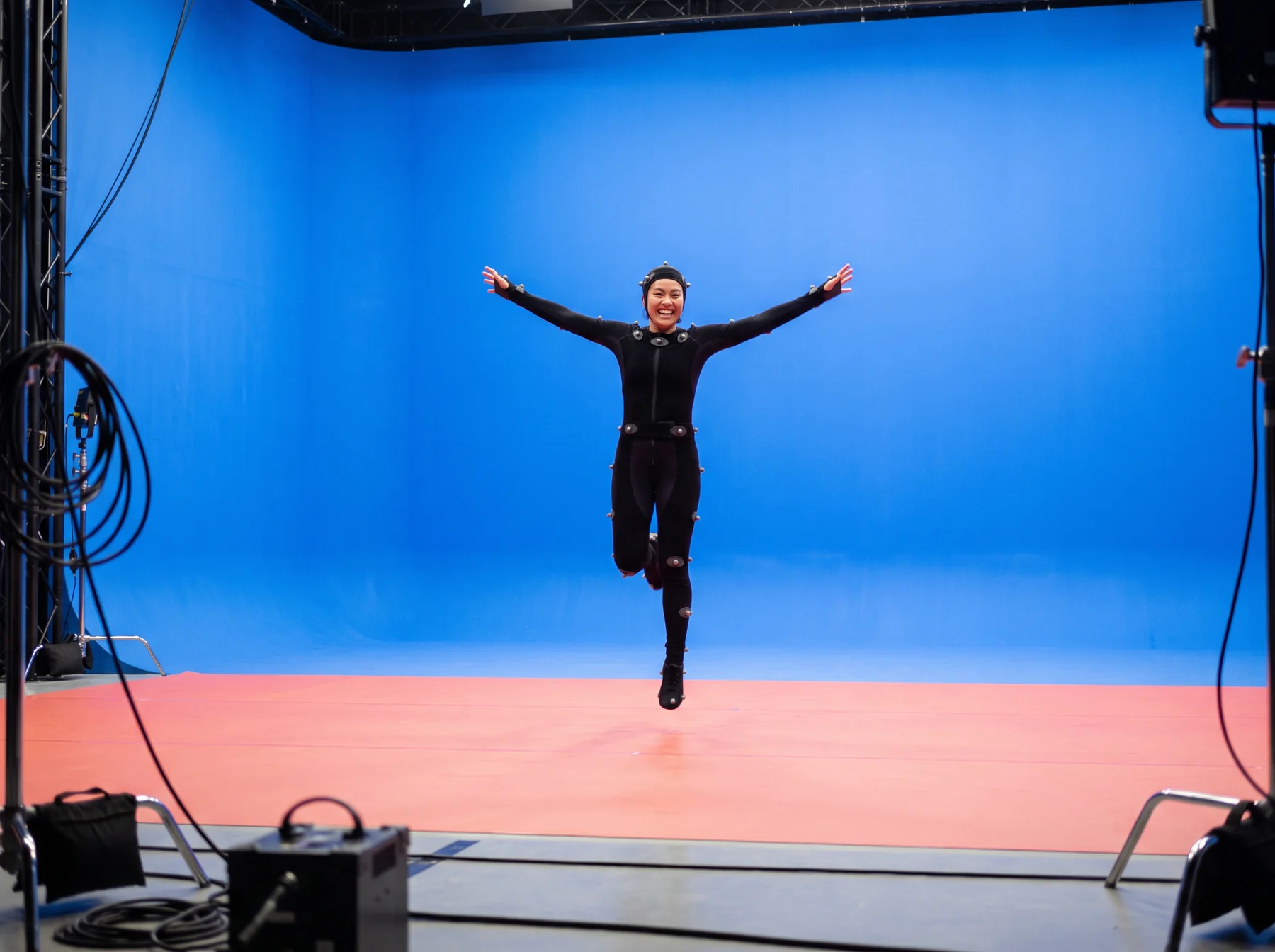
Pose sheet / assembled 2026Scroll for notes ↓
Production index / 02
The work between a loose thumbnail and a finished shot deserves a clear record. These studies look at how a body turns, where a control helps, and which small timing choice makes an action feel owned.
What is the character trying to do, resist, protect, or reveal? A useful rig starts by making that question easier to stage.
Controllers should make broad choices legible before they reward delicate detail. That keeps a scene open to a better idea.
Every note returns to the audience: what can be understood in one glance, and what needs another beat to arrive?
Production index / 03
Choose a specimen. Each panel changes the working explanation and the three review checks alongside it.
ARC / LINE
Before a controller moves, we locate the body’s broad directional sweep. The arc is not a decoration: it gives a viewer a path to follow through a quick pose, and gives the animator a simple test for clarity.
Production index / 04
A compact sequence to use before calling a pose finished. It is horizontal on a desk and becomes a short, easy-to-scan list on a phone.
Let the eyes or head register the thing that changes the scene.
Allow the body to gather, hesitate, or choose a direction.
Land the broad decision in a clean, readable shape.
Let the remaining mass arrive after the choice is clear.
Leave enough air for an audience to receive the thought.
Production index / 05
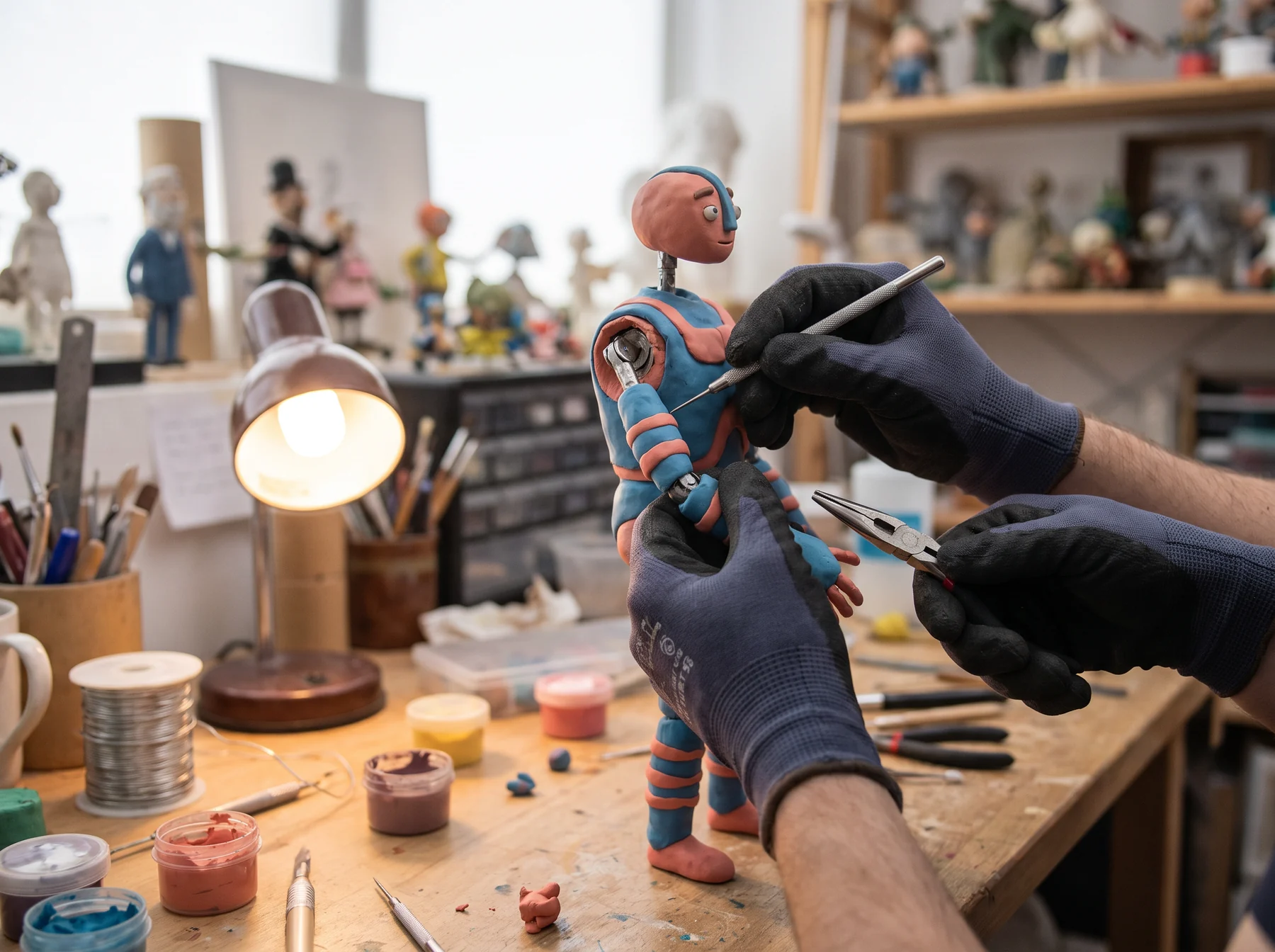
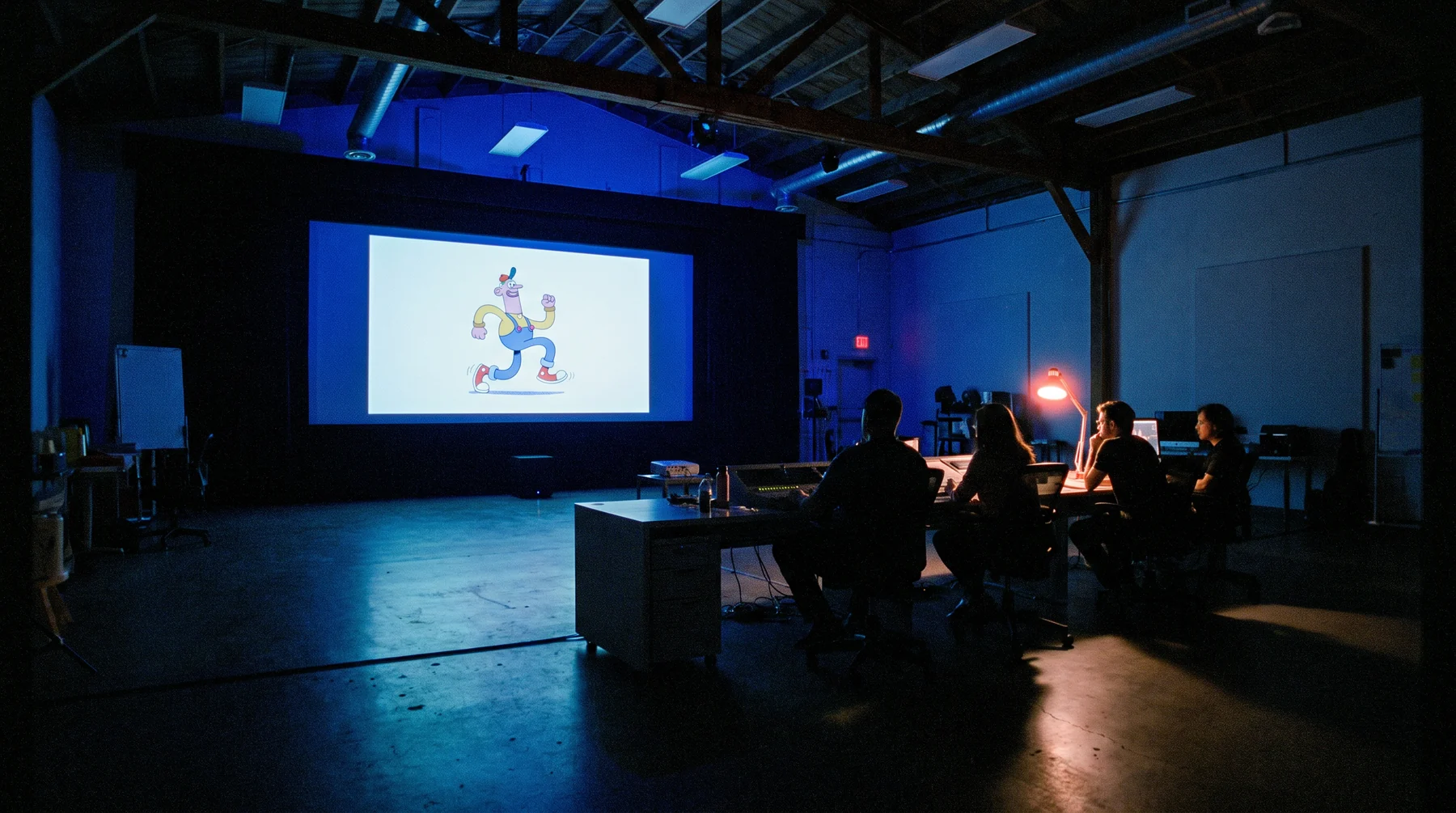
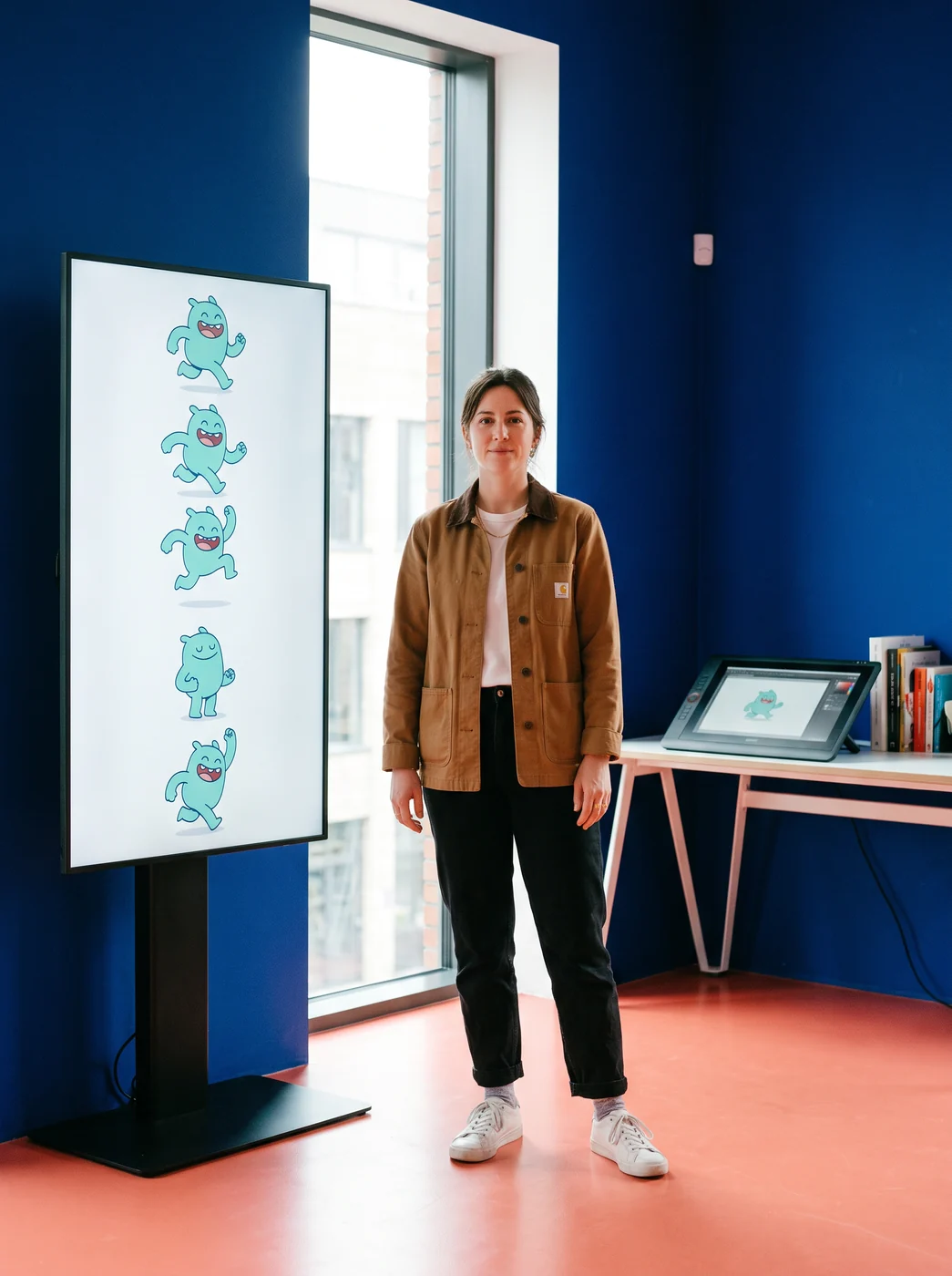
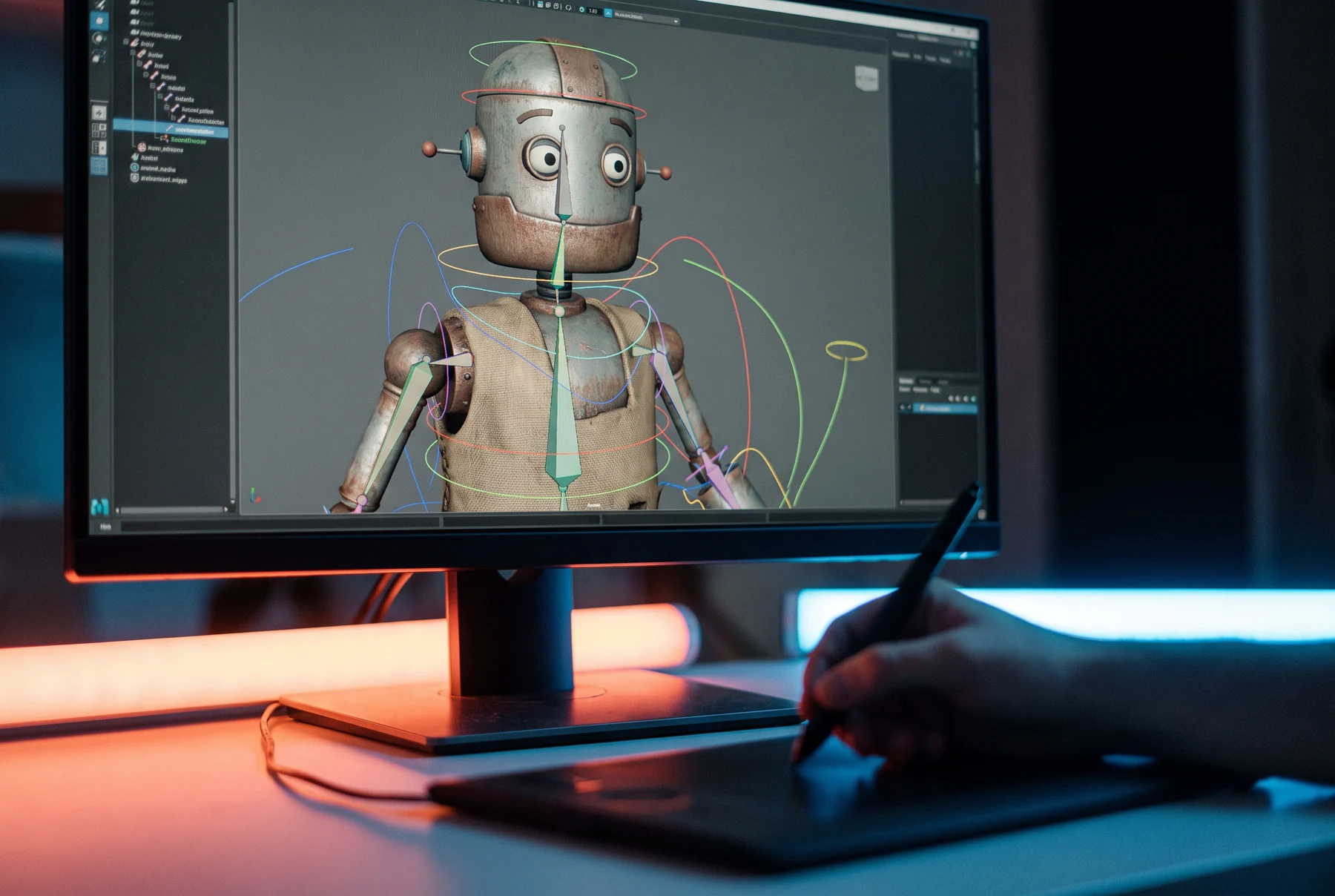
Materials, observation, and the room around a character all offer different evidence for the next pose.
Production index / 05
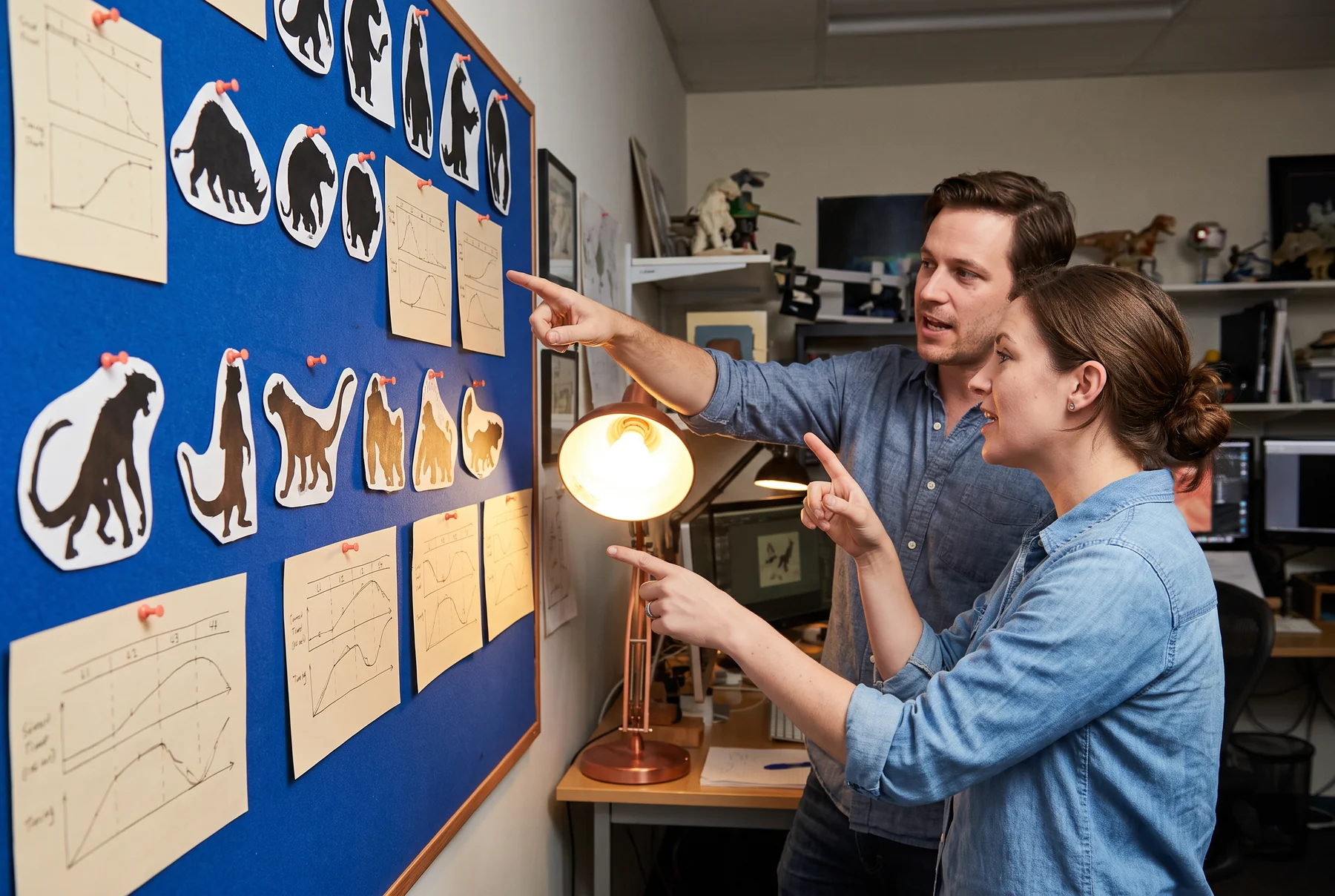
Tap the coral marks
A pose works as a network. Rather than chasing isolated anatomy, trace how a viewer’s attention travels across the shape.
A lifted, dropped, or counter-tilted shoulder can establish effort before the arms explain why. Keep its relationship to the hips broad enough to read at shot scale.
Hands become meaningful when their shape has a job: receive, shield, point, test, or release. Build clean controls for those verbs before adding idle complexity.
When the contact is clear, secondary motion has a place to arrive. If the foot slides without intention, the audience loses the body’s agreement with the floor.
Production index / 06
Choose a plate to change the image and review note. Open the detail region for an undistracted look.
Production index / 07
A limitation is useful when it points everyone toward the same performance decision. The aim is not a smaller toolset; it is a more deliberate one.
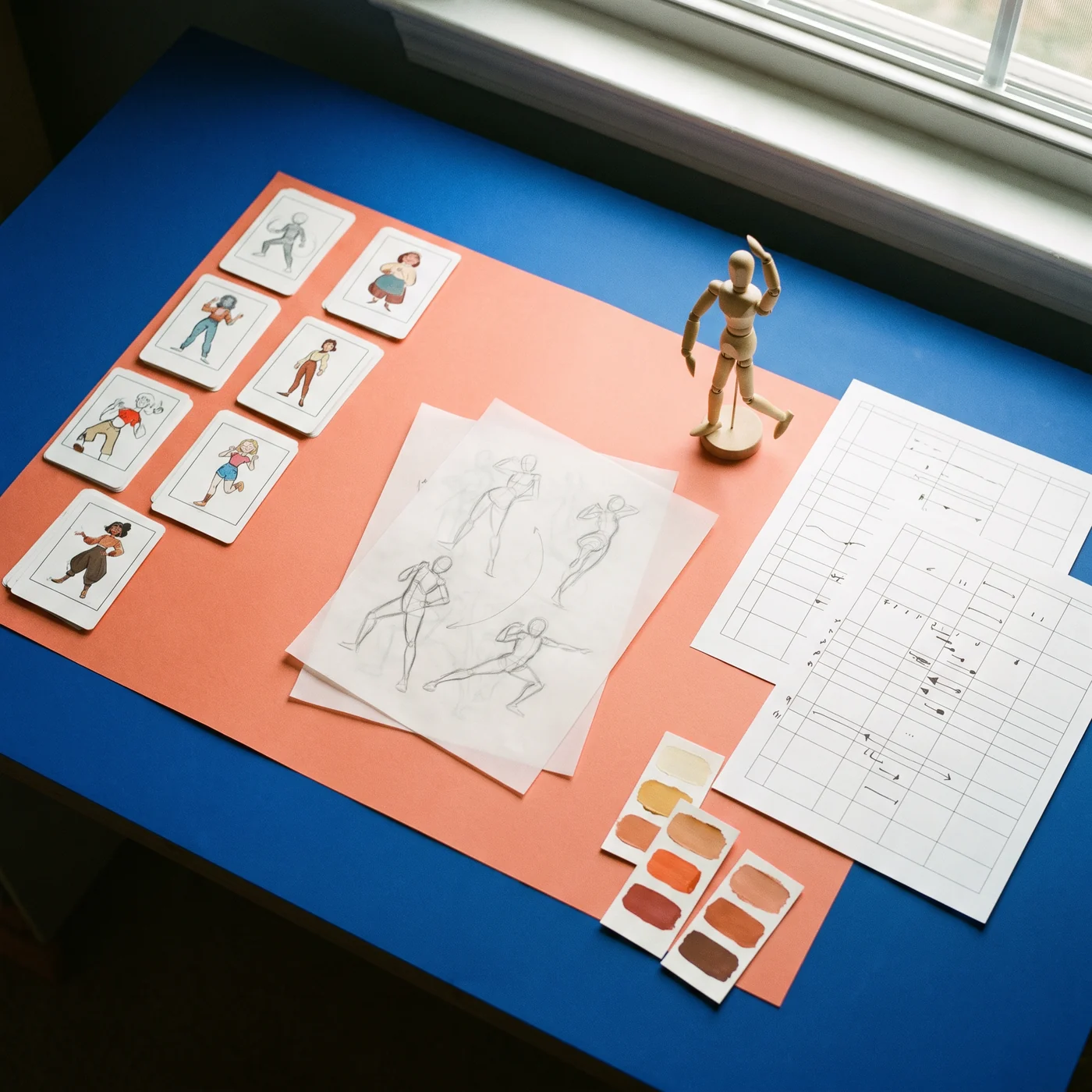
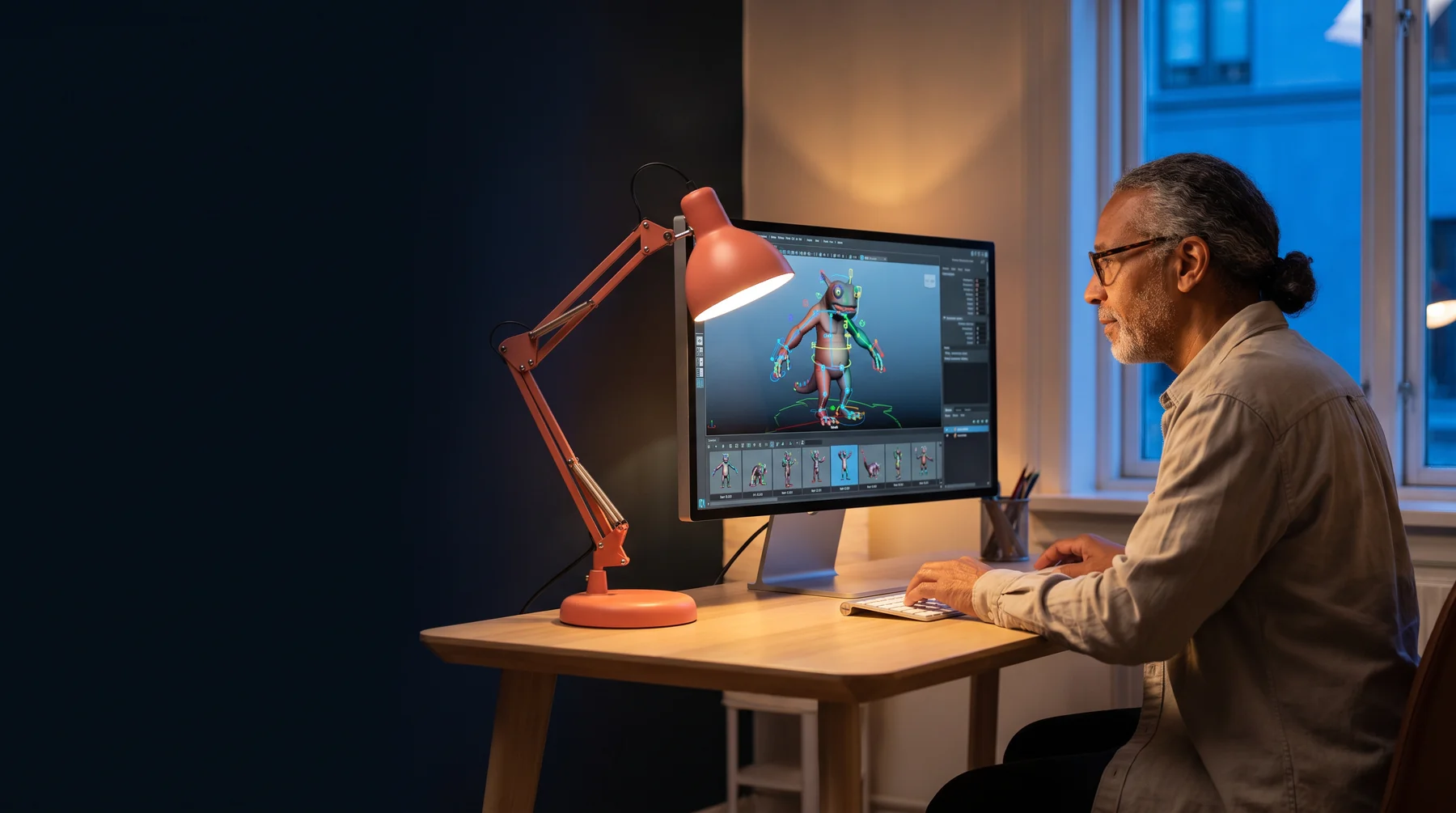
Working with fewer decisions makes a pose easier to diagnose. If the action is unclear with the main torso, head, and contact controls, extra nuance will only make the question harder to see.
Screen direction, silhouette, and the moment of contact can change from cut to cut. Naming the active camera question helps a team avoid “fixing” a pose for a different shot.
Perfect mirroring is often less expressive than a small imbalance. Let asymmetry echo the character’s attention, their weight shift, or the uneven force acting on them.
The most useful facial shapes are those that allow a thought to travel: gaze leads, brows decide, lids confirm, and the mouth catches up. This order lets a performance remain revisable.
Production index / 08
A rough drawing can safeguard the first readable idea when a shot gains detail. Place it beside the playblast so comments have a shared point of return.
Clear names make a rig feel conversational. A control labelled for its action invites a decision; a technical label asks someone to translate before they can perform.
A hold is not empty time. It is the space where the viewer notices a conclusion, reads a new relationship, or understands what the character has chosen not to say.
Production index / 09
Four practical answers for people shaping a character pipeline, a single shot, or a performance study.
Production index / 10
Bring a question about character movement, a particular rig behavior, or a shot that is not reading yet. Use the form for a browser-only booking request, or write directly.